Automated Follow-Ups
Set the follow-up once. Every lead and customer gets the text, the email and the check-in, on time.
Get StartedThe follow-up you mean to do, done every time
You know you should check in two days after a quote. Ask for the review after the job. Thank the customer who just paid. Then the next job starts and it doesn't happen.
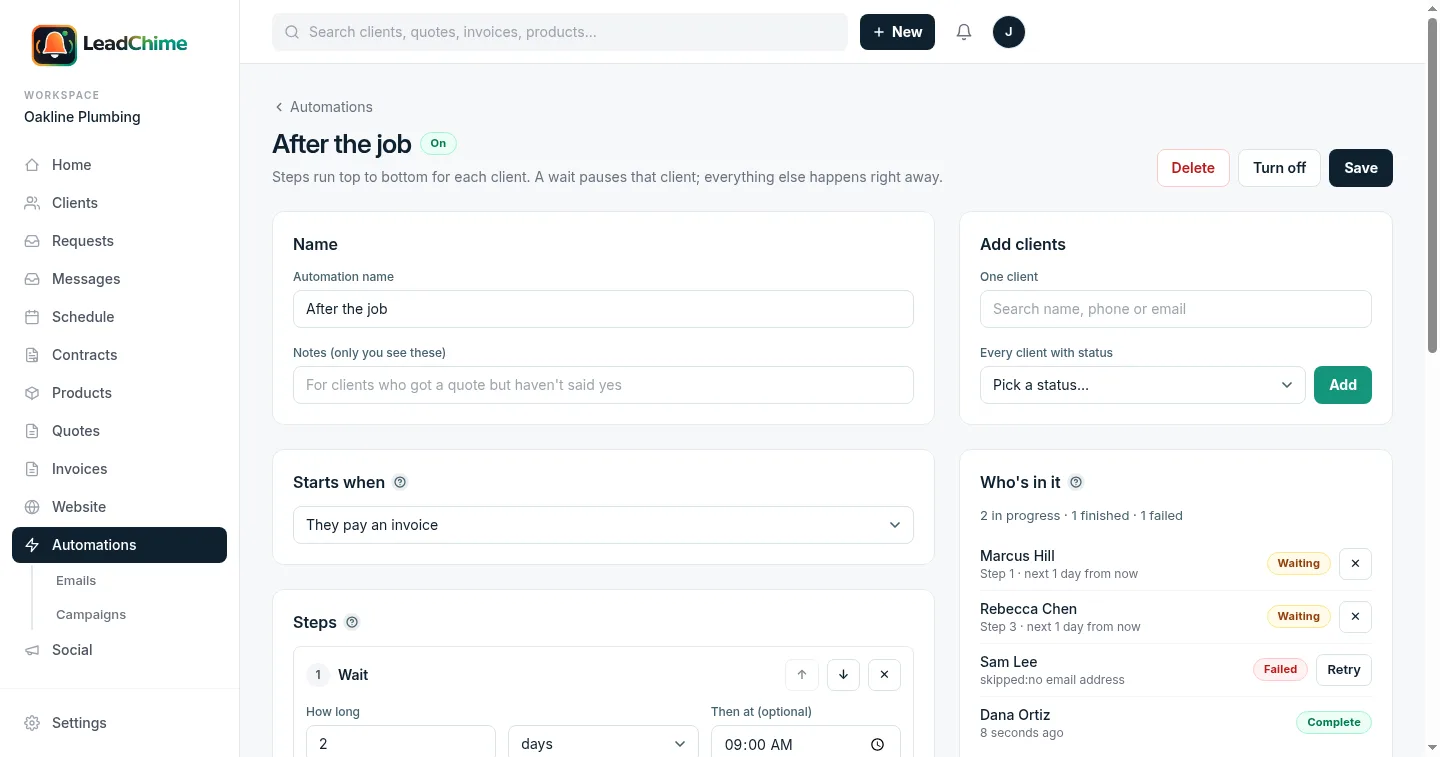
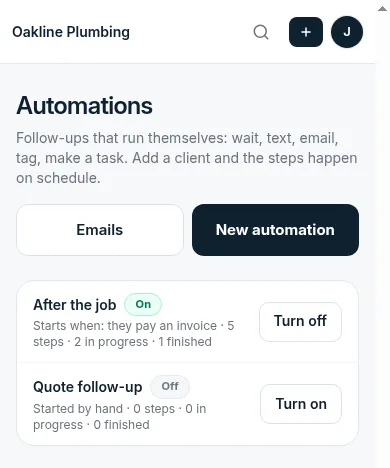
An automation is a short list of steps: wait two days, send a text, wait a week, send an email, make a call task for your team. You set it up once.
Then pick what starts it. A new lead comes in. A call goes unanswered. A quote is sent, or accepted. An appointment is completed. An invoice is paid. From then on, every customer gets the same follow-up without you remembering.
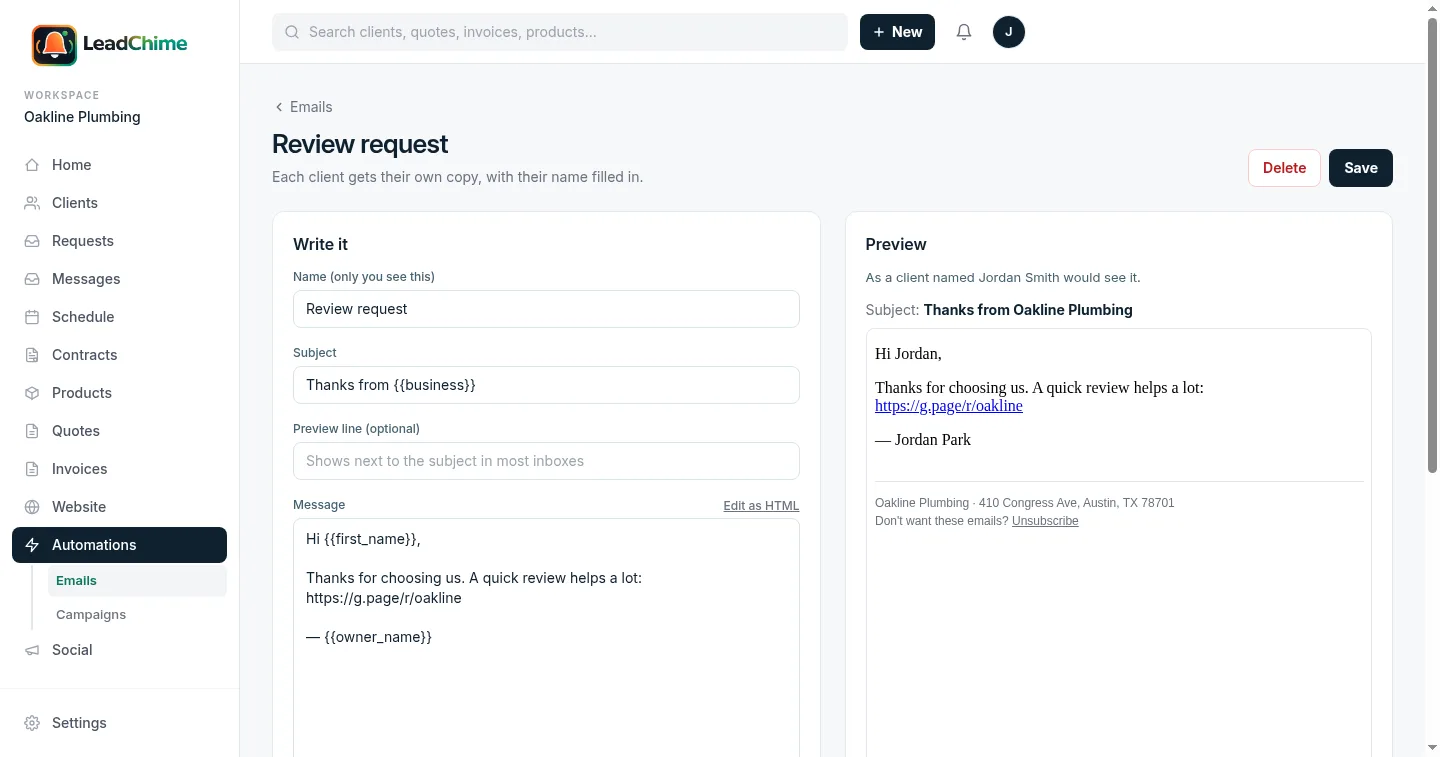
Emails are written in plain words, like a text. LeadChime fills in each customer's name, and adds your business address and an unsubscribe link for you. Anyone who unsubscribes or replies STOP is skipped from then on.
You can see who is in each automation and what step they are on, take someone out, or switch the whole thing off. Nothing sends while it is off.
Quotes get chased
A check-in text two days after every quote. You only hear about it when they reply.
Reviews get asked for
A thank-you and a review request after every paid invoice.
New leads hear back
A first message, then a second if they go quiet.
It starts by itself
New lead, missed call, quote, appointment or payment. Pick one and it runs.
Sounds like you
Your words, with each customer's name filled in.
You stay in control
See who is on which step. Pull anyone out. Turn it off any time.
Common questions
Do I have to be technical to set one up?
No. You pick steps from a list and type the message. The help guide walks through it.
Will it text customers from my business number?
Yes, once texting is approved for your business. Until then the email and to-do steps still run, and the editor tells you which text steps are waiting.
What if a customer doesn't want the messages?
Marketing emails carry an unsubscribe link and texts honor STOP. Either one takes them off every automation and campaign.
Can I change an automation while customers are in it?
Yes. Everyone stays on their current step, and turning it off pauses them where they are.
Does it cost extra?
No. It is part of the $99/mo plan.
Every part of LeadChime is designed with one goal in mind — making it easier for your business to look professional, stay organized, and turn more visitors into real customers without the technical hassle.